
A handheld remote is often the fastest and most dependable way to operate motorized shades. It does not require a phone, an app login, or an internet connection. The part that determines whether it feels simple is the programming: which shades share a group, which remain individually controllable, and whether anyone can understand the buttons without a lesson.
For most homes, the goal is not to give every shade its own permanent button. It is to match the control plan to daily actions: open the great room, lower the west-facing glass, close the primary bedroom, or move every shade in a room to a useful favorite position.
Build groups around rooms and repeated actions
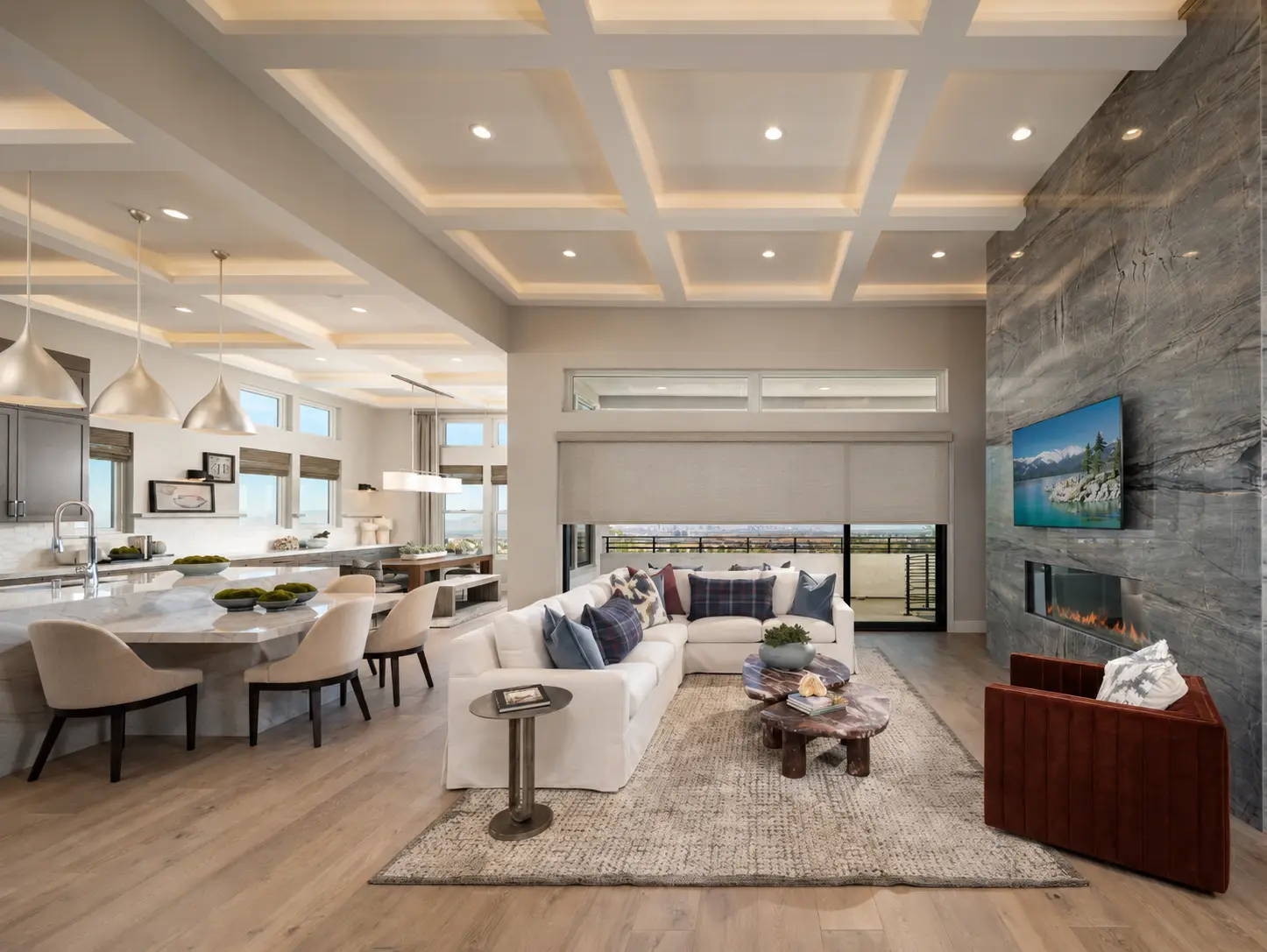
A useful group usually follows a physical room or a repeated need. In a Las Vegas great room, one group might control all shades while another controls only the windows receiving strong afternoon sun. In a bedroom, separate groups may make sense for the window behind the bed and a sliding door used throughout the day.
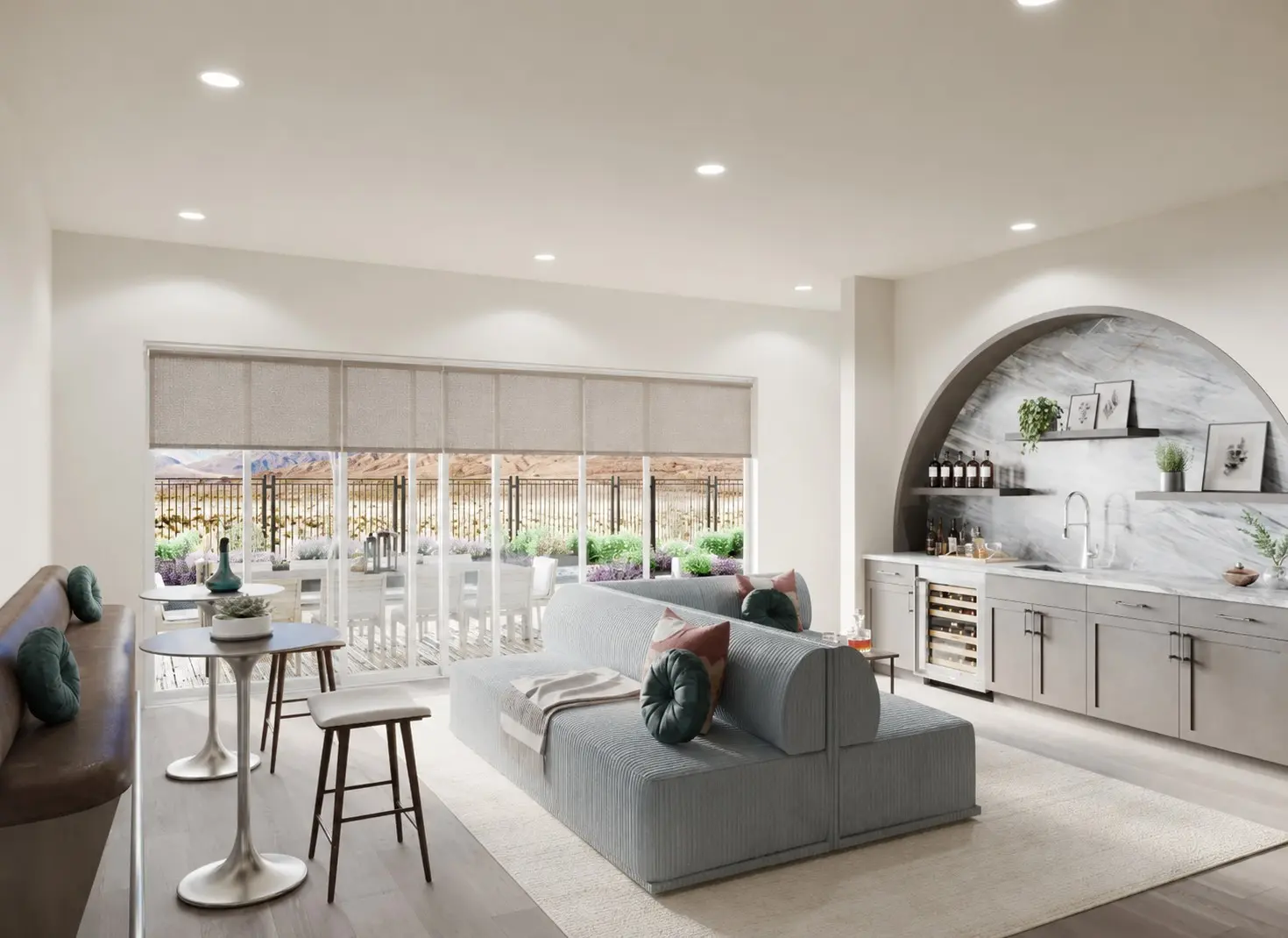
Individual control is still valuable when windows have different exposures or privacy needs. The design challenge is to keep that control available without making the everyday screen or remote feel crowded.
Give the remote a name and a permanent home
Labels such as Great Room, West Glass, and All Shades are more useful than motor numbers. If the remote supports on-screen names, use the household's language. If it uses numbered channels, keep a short printed key with the project records until everyone knows the layout.
Choose a predictable storage location: a wall-mounted holder near the room entrance, a drawer beside the bed, or a charging location that does not move. A remote that migrates between rooms quickly becomes the least convenient part of an otherwise convenient system.
Use favorite positions for the settings you repeat
Many systems can store a preferred position between fully open and fully closed. That can be useful when a roller shade needs to stop just low enough to cut television glare or when a bedroom shade should provide privacy without making the room feel closed all afternoon. Capability and programming vary by motor, so the exact behavior should be demonstrated for the selected system.
Keep a dependable local control path
An app, voice assistant, or schedule can add convenience, but it should not make the remote irrelevant. Guests, children old enough to use the system, service providers, and housesitters should be able to operate the essential shades without access to the homeowner's phone or smart-home account.
For frequently used rooms, a wall control can serve as a permanent backup. Ask whether it is wired or wireless, where it will be mounted, which groups it controls, and what happens to those settings if a motor or remote is replaced.
Plan for replacement before a remote is lost
Keep the motor family, remote model, channel plan, and programming notes with the final proposal. If a remote is lost or damaged years later, those records can shorten diagnosis and help determine whether a compatible replacement is still available. Avoid factory resets unless the product instructions or service team specifically call for one; a reset can erase limits or group programming that was otherwise working.
What to confirm before installation is complete
- Each room group moves only the intended shades
- Important windows can still be operated individually
- Favorite positions stop where expected
- The primary remote has a labeled, permanent storage location
- A guest can operate privacy shades without an app
- The motor, remote, and programming details are included in the project records