 Las Vegas Motorized Shades
Bond Bridge Pro for motorized shades
Make your motorized shades easier to live with.
Bond Bridge Pro can bring compatible motorized shades into one simple control system. Open a room from your phone. Close the west-facing shades together before the afternoon sun heats up the house. Set schedules for morning light or evening privacy. Add voice or smart-home control where it will actually make life easier.
Bond Bridge Pro is not the reason to motorize a shade. The shade still has to be right for the window. The bridge is the layer that can make the entire motorized shade package easier for everyone in the home to use.
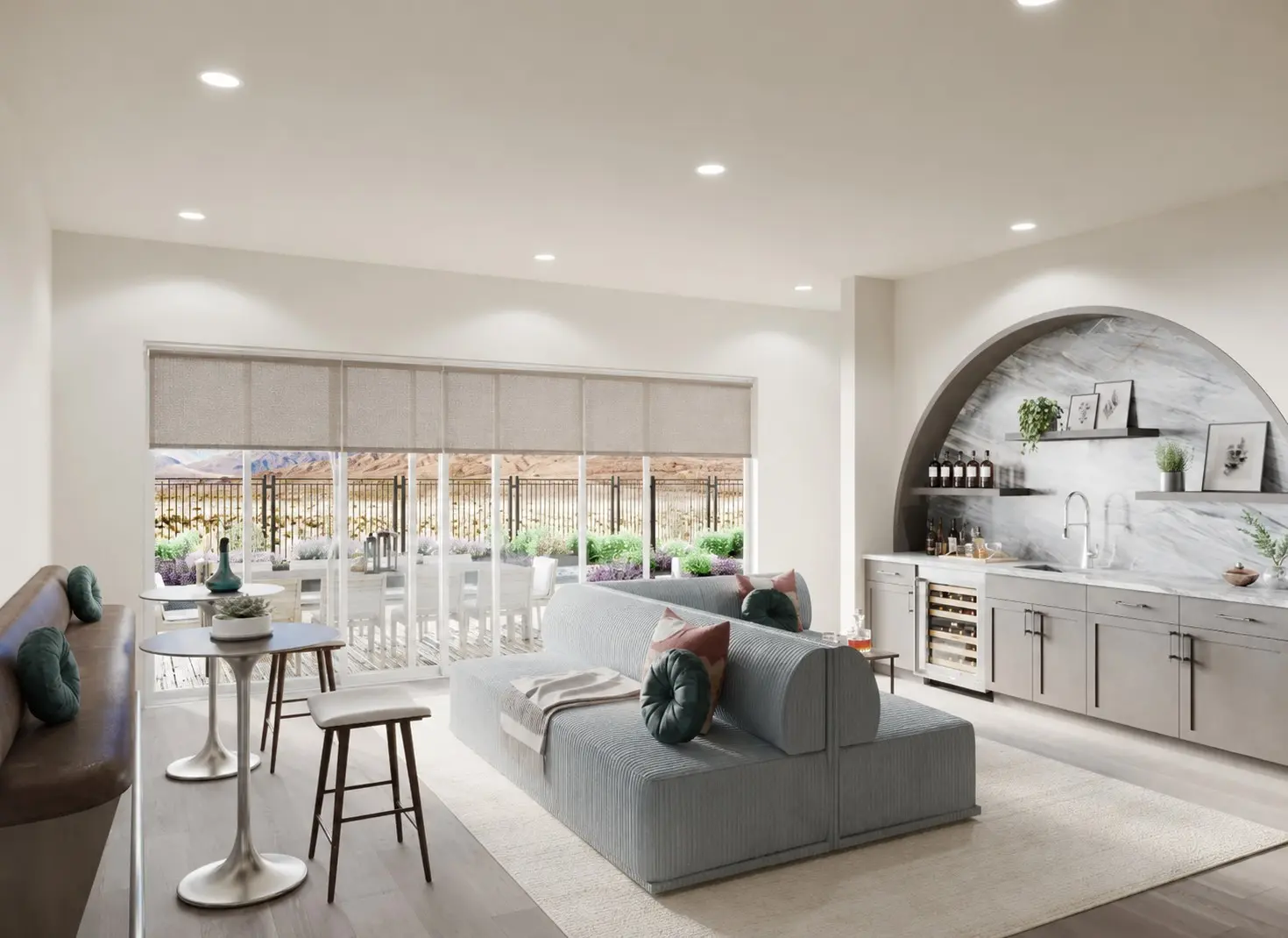

Smart shades should save time, not create more work.
Build the controls around the way the household already lives.
Most people do not want another app just because an app is available. They want a comfortable room, privacy at the right time, and shades that move without walking through the house every morning and night.
Bond Bridge Pro can group compatible shades and connect them through the Bond Home app. That can turn a collection of separate remote-controlled shades into a simple routine for one room or the entire home.
Leave the house without checking every shade.
One command can close the shades that matter before you leave. The primary bedroom, street-facing rooms, or windows that take the strongest afternoon sun can move together instead of requiring several individual remotes.
Let privacy happen before the room feels exposed.
An evening schedule can close selected shades as the light changes outside. You do not have to wait until the windows become mirrors and everyone outside can see into the illuminated room.
Make morning light feel intentional.
Compatible shades can open on a schedule that fits the household. The bedrooms can follow one routine while the kitchen and living areas follow another. The point is not to automate every window. It is to eliminate the same repeated work every day.
Give everyone a control they understand.
The app is helpful when you are in another room or away from home. Voice control is useful when your hands are full. A dedicated remote may still be the easiest option for a guest, child, or anyone who does not want to use a phone.
Bond says the original remote can usually continue working after a compatible device is added. We plan for that physical fallback from the beginning. The app should be another convenient way to control the shades, not the only practical way.


One coordinated control layer
One app can make a mixed motorized home feel more coordinated.
Bond Bridge Pro is designed to control many compatible RF motorized shades and screens. Bond currently lists support for motor technologies that include Somfy RTS, Rollease Acmeda ARC and Basic, selected Nice, Dooya, Gaposa, MotionBlinds, Forest, Alpha, and other systems.
That does not mean every motorized shade from every brand will work. Compatibility depends on the exact motor, remote, frequency, protocol, and commands you want to use. Position control is only available with supported motor technologies and configurations.
Choose only what adds value
App control, schedules, voice control, and smart-home integration are separate choices.
You may want all of them. You may only need one or two. We have found that the best system is usually the one the household will actually use every day.
Bond Home app
Use a compatible iPhone or Android device to operate your shades, organize rooms, and manage supported groups and schedules. Multiple phones or tablets can share access when the account is set up correctly.
Groups
Move a room or a useful set of shades together. Clear names such as “west glass,” “primary bedroom,” or “goodnight” are more useful than a long list of individual windows.
Schedules
Create repeatable movements around morning light, peak afternoon sun, bedtime, privacy, or travel. A good schedule should also be easy to override when the day changes.
Voice and smart-home platforms
Bond Bridge Pro officially supports Alexa, Google Home, and SmartThings. Bond also documents Apple Home support for compatible devices. The commands and position controls available through each platform can vary, so we confirm what you want the system to do before promising that every feature will work everywhere.
Professional integration
Bond Bridge Pro also supports professional integration options. As the home system becomes more complex, it becomes more important to decide who owns the accounts, who handles the programming, and who will support changes after installation.
Plan the bridge location
Bond Bridge Pro is built for a more dependable installation.
Bond rates Bridge Pro for up to 50 supported devices and approximately 3,500 square feet. That is a useful starting point, but real RF performance still depends on the bridge location, walls, metal, concrete, distance, and interference inside the home.
The Pro model supports 2.4 GHz Wi-Fi, Ethernet, and Power over Ethernet. With compatible network equipment, one Ethernet cable can carry both data and power. This can provide a more stable connection and a cleaner installation in a central wall or ceiling location.
A range number does not replace a site plan. We look at the shade locations, construction, network equipment, appearance, and future service access before deciding where the bridge belongs.
What Bond Bridge Pro does not do
The bridge still depends on a well-designed shade package.
These are not reasons to avoid Bond Bridge Pro. They are reasons to design the shade, motor, power, bridge, controls, and support as one complete package.
- It does not make an incompatible motor compatible.
- It does not fix a shade that was poorly selected, measured, powered, or installed.
- It does not guarantee that every smart-home platform will offer every shade command.
- It does not remove the need for a dependable remote or other physical control.
- It does not eliminate network, account, firmware, or future service responsibilities.
- It does not replace an in-home RF and compatibility review.
How Southwest plans the package
Make every part of the control experience clear before installation.
Start with the rooms and routines.
We start with what you want to happen in real life: morning opening, afternoon heat control, evening privacy, grouped movement, voice control, travel schedules, or larger smart-home scenes.
Choose the right shades and motors.
The shade has to serve the room first. Then we verify the motor, remote technology, size limits, power method, and Bond compatibility for the exact products being considered.
Plan the bridge and network location.
We consider RF reach, Ethernet or Wi-Fi, PoE availability, outlets, construction, appearance, and future access. A central, serviceable location matters more than hiding the bridge wherever it happens to fit.
Name and group the system around daily life.
Rooms, groups, and schedules should make sense to the people using them. We keep the setup simple and understandable so a future change does not require rediscovering the entire system.
Hand off more than an app login.
You should know what each control does, how to pause or override a schedule, what depends on the network, what the original remote still controls, which account owns the system, and who to call when you need help.
Straight answers
Questions about Bond Bridge Pro.
Will Bond Bridge Pro work with any motorized shade?
No. Bond Bridge Pro works with many compatible RF-controlled shade and screen motors, but compatibility depends on the exact motor, remote, frequency, protocol, and feature you want to use. We confirm the components before recommending the bridge.
Can I control motorized shades from my phone?
Compatible motorized shades added to Bond Bridge Pro can be controlled through the Bond Home app. Account access, network availability, and the selected device configuration all affect the experience.
Can Bond Bridge Pro move several shades together?
Yes. Bond Home supports groups when the devices are compatible and RF communication is reliable. Some motor technologies may move more closely together than others, so grouped operation should be demonstrated and confirmed.
Can the shades stop at a chosen position?
Selected motor technologies support slider or set-position control. Some systems calculate the shade position through calibration instead of receiving true position feedback from the motor. We verify how the selected motor will behave rather than assuming a percentage slider is available.
Does Bond Bridge Pro need Wi-Fi?
Bond Bridge Pro supports 2.4 GHz Wi-Fi, Ethernet, and Power over Ethernet. The right network and power approach depends on the home and the planned bridge location.
Will the original shade remote still work?
In most compatible installations, yes. Bond says the original remote can usually remain in use. We prefer to keep a simple physical control available even when app, schedule, and voice control are added.
Does Bond Bridge Pro work with Alexa, Google Home, Apple Home, or SmartThings?
Bond officially supports Alexa, Google Home, and SmartThings and currently documents Apple Home integration for supported devices. Available commands can vary by motor and platform. We confirm the exact compatibility before finalizing the package.
Compatibility and product specifications should be confirmed for the selected project. Current references: Bond Bridge Pro product information and Bond Bridge Pro support guidance.
Make the controls easier from the beginning
Make your motorized shades easier to live with from the beginning.
Southwest Blinds & Shutters will help you choose the shade, motor, power, bridge, controls, and daily routines as one complete package. You will see the materials, understand how the system will work, and receive the exact plan and price before you decide.