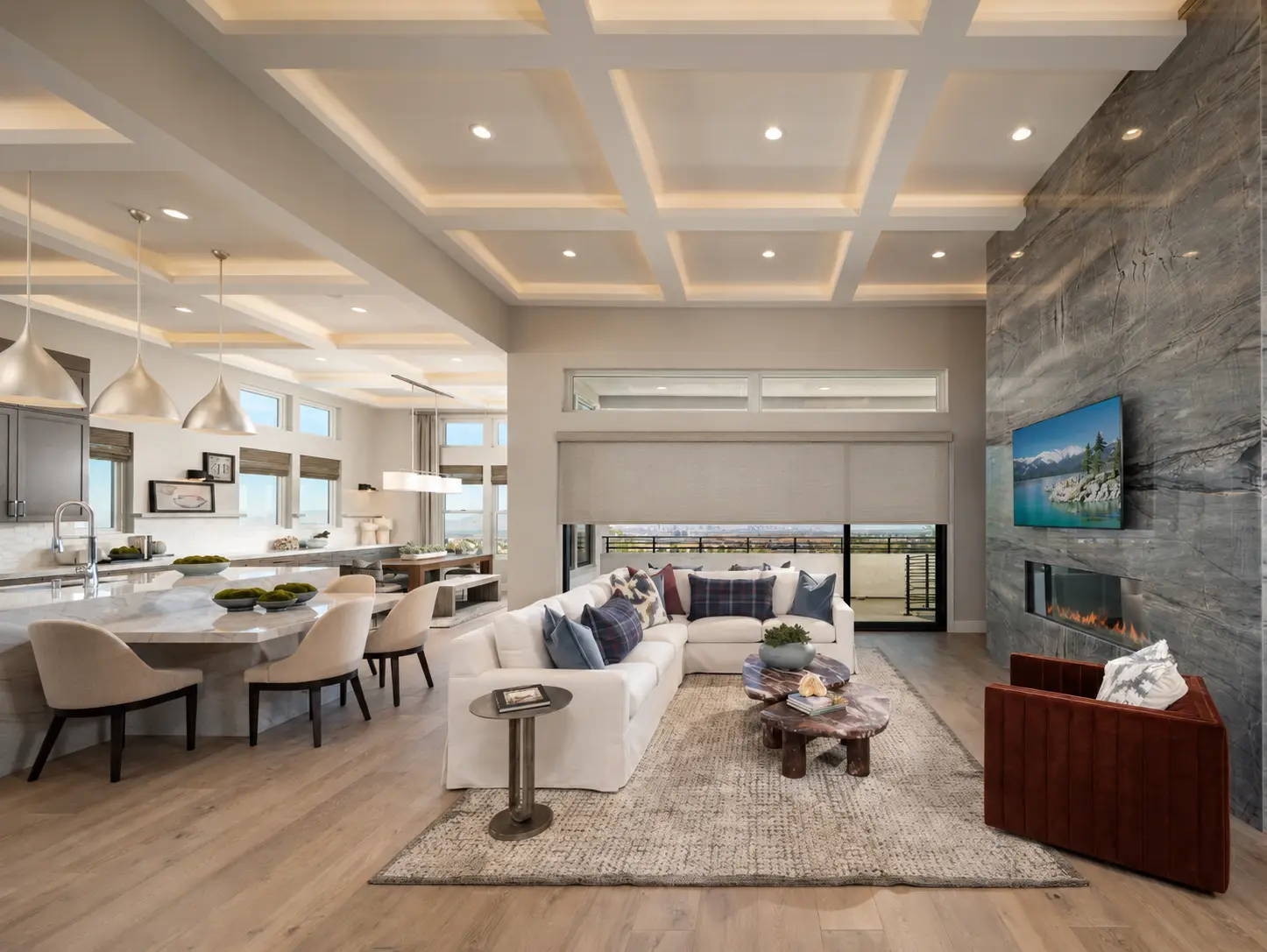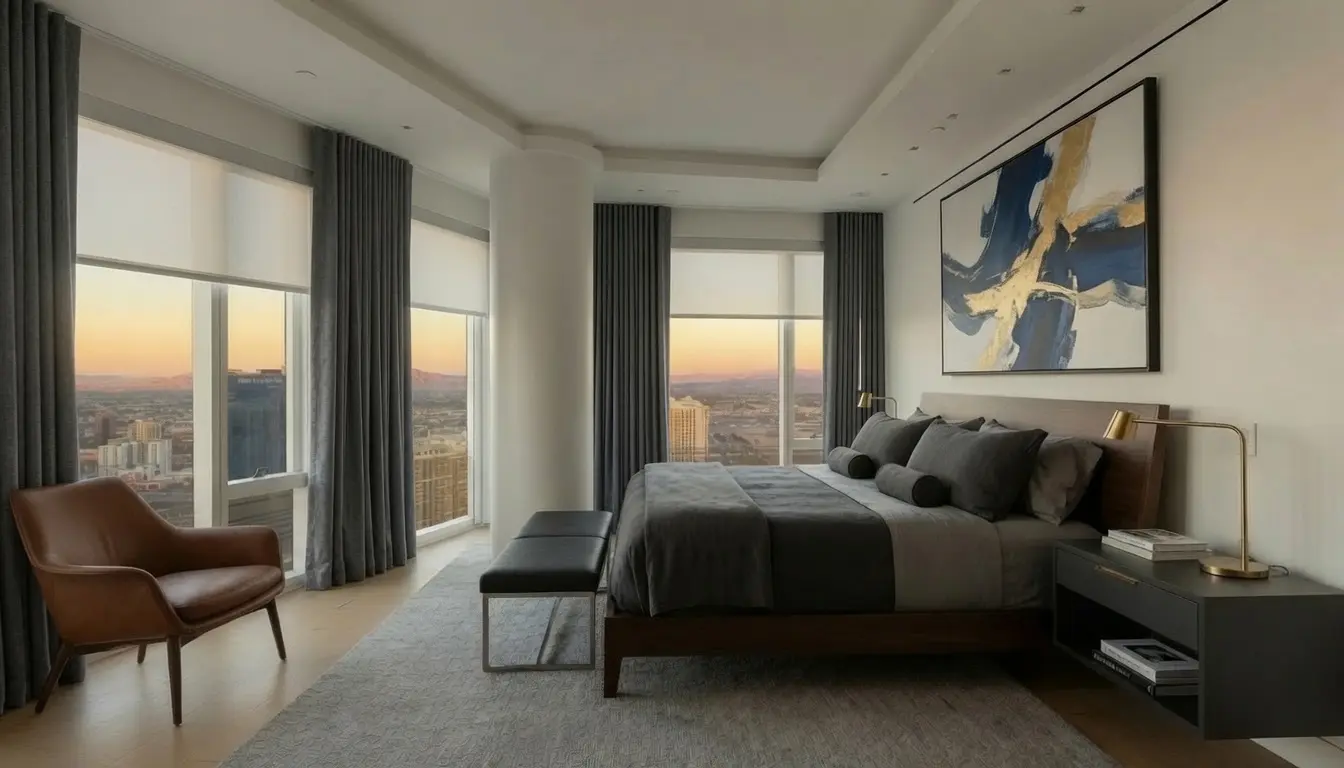
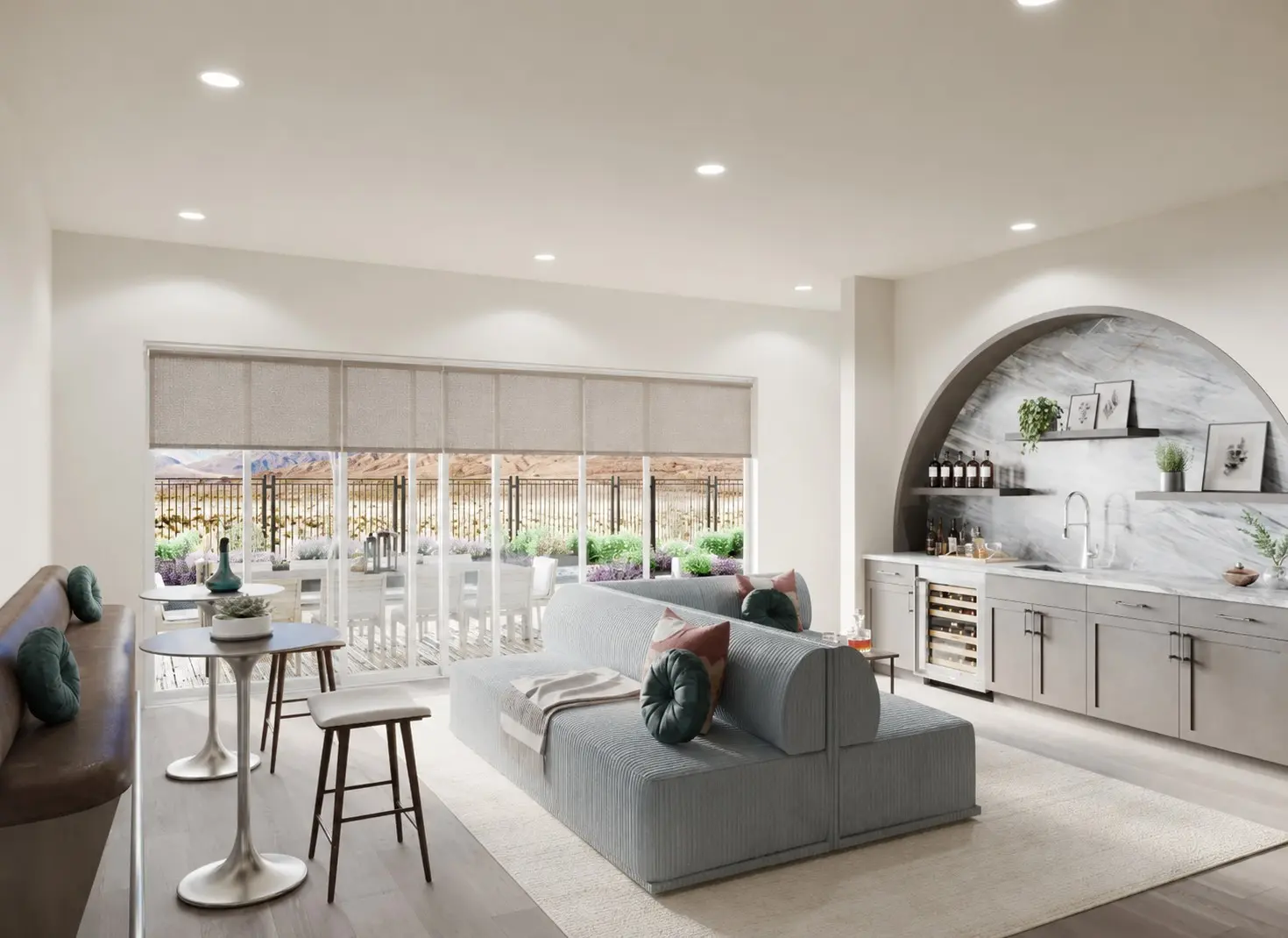
A useful motorized shade schedule is quiet automation: the west-facing shades lower before the room becomes uncomfortable, privacy shades close before interior lights make the glass reflective, or bedroom shades open at a time that supports the household's morning routine. The homeowner receives the benefit without issuing the same command every day.
The least useful schedules are created simply because the system allows them. They move too many shades at once, ignore how different rooms are used, and eventually get disabled. A better plan starts with one repeated problem and gives the household an easy way to override it.
Start with one recurring sun or privacy problem
In the Las Vegas Valley, strong afternoon exposure is often the clearest place to begin. Note when direct light first reaches the seating area, television, artwork, or flooring. Schedule the affected group shortly before that point, not at a generic time copied to every room.

Evening privacy is another strong use. Solar and open-weave fabrics that preserve daytime views can behave differently after dark when interior lights are on. If the selected treatment provides the intended privacy, a schedule can close it before the household has to think about it.
Choose between fixed times and sunrise or sunset events
A fixed time is easy to understand and can match a stable routine. Sunrise- or sunset-based events adjust through the year, but the exact capability depends on the control platform, bridge, location settings, and internet or local processing requirements. Confirm where the schedule is stored and whether it still runs if the internet is unavailable.
Sun events also need an offset. Closing exactly at sunset may be too late for privacy; opening exactly at sunrise may be too early for a bedroom. The right offset comes from the room, not from the feature list.
Let different rooms follow different routines
Bedrooms, kitchens, great rooms, offices, and view windows rarely need the same timing. A home office may lower only during a video-call glare window. A primary bedroom may stay closed later than the living areas. A street-facing shade may close for privacy while backyard glass remains open for the view.
Start with smaller groups. It is easier to combine two groups later than to untangle a whole-home event that moves shades the household wanted left alone.
Make manual override obvious and temporary
A homeowner should always know how to interrupt or reverse a scheduled movement with the normal remote or wall control. Ask what happens after an override: does the next scheduled event still run, does the shade resume automatically, or does the system remain paused? Platforms handle this differently.
Review the schedule when the season or routine changes
The sun's angle and daylight timing change throughout the year, even in a climate with abundant sunshine. A July setting may lower a west-facing shade earlier than necessary in winter. Travel, school schedules, daylight-saving changes, and changes in room use can also make a once-helpful automation feel wrong.
Review the most important schedules a few times during the first year. Small timing adjustments are normal commissioning, not evidence that automation failed.
A practical first-week checklist
- Name the specific glare, heat, light, or privacy problem
- Schedule only the shades affected by that condition
- Confirm whether the event uses a fixed time, sunrise, or sunset
- Test manual override from the normal remote or wall control
- Verify what continues to work without internet access
- Watch the routine for one week before adding more automation
- Revisit timing when the season or household schedule changes